

Just Bookmarks.A bookmark app. That's it
For iPhone, iPad and Mac. Save a link, find it later and know it still works.


$9.99, once. Just one purchase for iPhone, iPad and Mac.
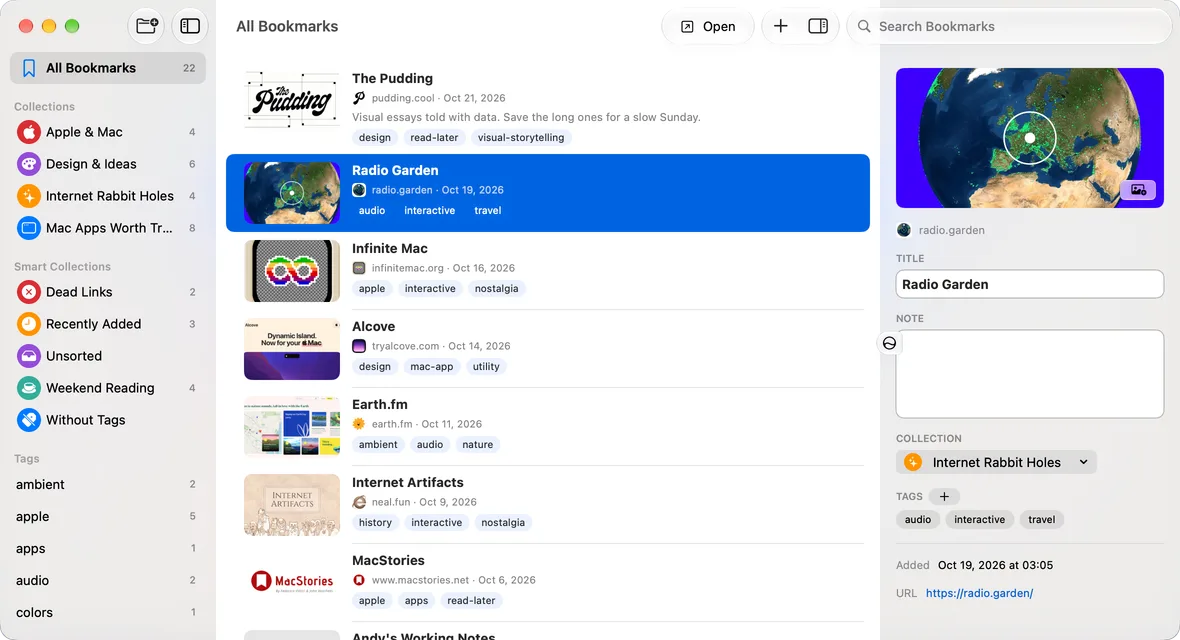
Here's the whole feature list. It fits on two cards.
Save quickly
The Share sheet, the Safari toolbar or ⌃⇧D on the Mac. Just Bookmark automatically retrieved title and images.
Collections and tags
Put links in collections, tag them, or set up a Smart Collection that fills itself by rules you set.
Syncs through your iCloud
Save it on your iPhone and it shows up on your iPad and Mac. No account needed, just your own iCloud.
Search
You can search for bookmarks. You don't actually need me to explain this one, right?
Eight languages
Available in English, Spanish, German, French, Japanese, Simplified Chinese, Korean and Hindi.
Know when a link dies
Just Bookmarks periodically checks your links in the background. When a page is gone, it points you to a copy on the Internet Archive.
Privacy first
No account, no analytics, no third-party code, no servers of mine. Read the privacy policy if you want.
Never locked in
Import from any browser. Export everything, any time, as a standard bookmarks file.
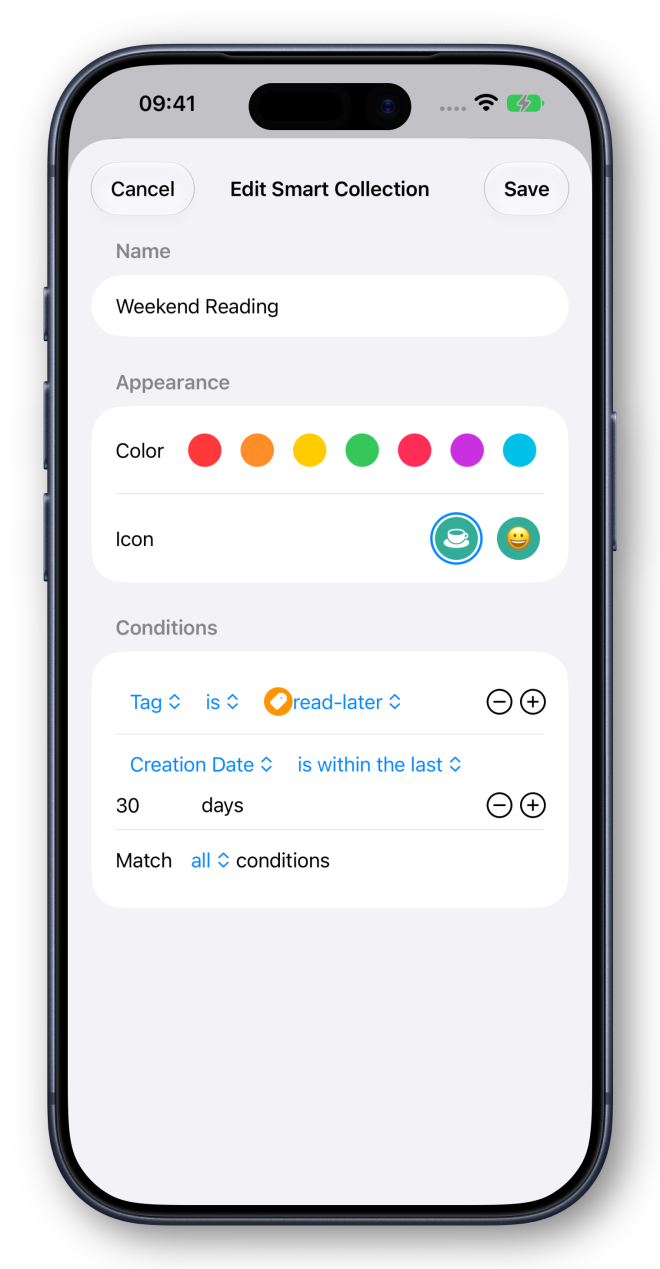
Smart Collections. (kinda)
Choose from a set of extensive (marketing likes that adjective) rules like by tag, website, date added or much, much more. Bookmarks automatically filter based on the conditions you set.
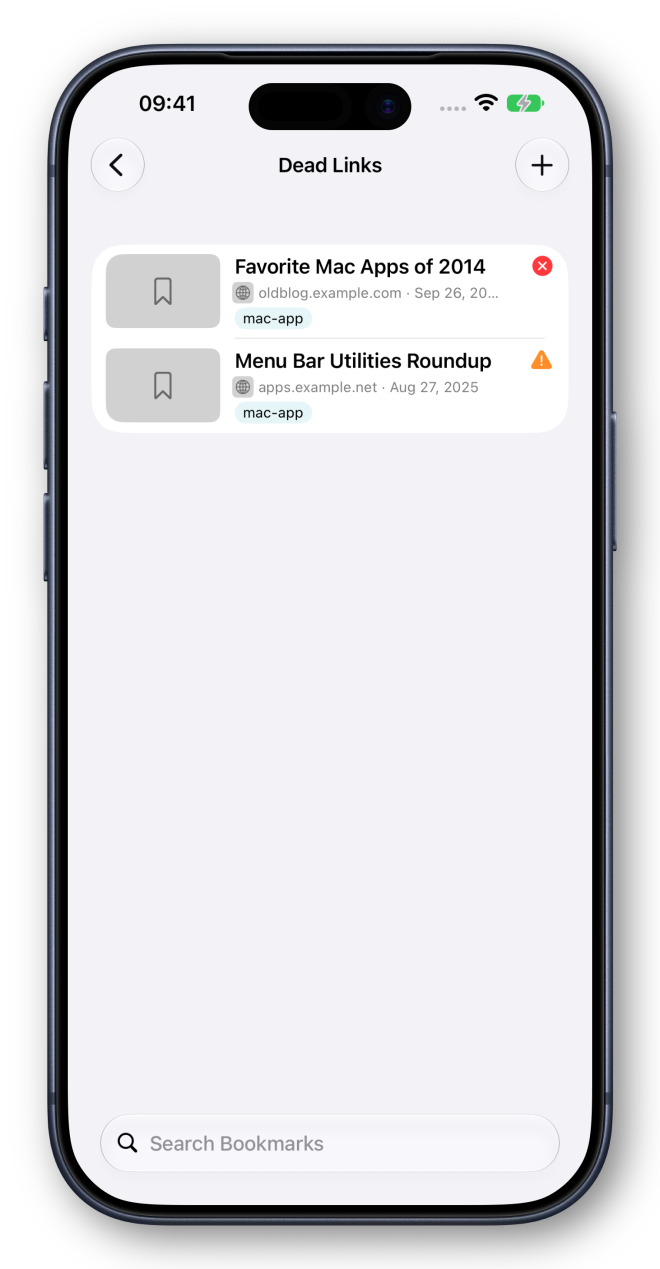
When a link dies, you'll know. There's an indicator for that.
Check for broken links and missing images. Automatic checking looks at up to 20 links a day when the app is open (because I know you’ll have 2,573 bookmarks and that just be annoying to do everyday). When a page is gone, Just Bookmarks will redirect you to the Internet Archive.
Questions. Just answers.
Is it a subscription?
No. It's $9.99, once, on the App Store, and that one purchase covers iPhone, iPad and Mac.
Do I need an account?
No. There's nothing to sign up for or sign in to. Your bookmarks sync between your devices through your own iCloud.
Where are my bookmarks stored?
On your devices and in your iCloud. There are no servers of mine, no analytics and no third-party code. Read the privacy policy if you want to.
How do I save a link?
From the Share sheet on iPhone and iPad, from the Safari toolbar or with ⌃⇧D on the Mac. The title and preview fill in on their own. Here's how to save a bookmark.
What happens when a page disappears?
Just Bookmarks will add an indicator so you know it's dead. Open it from there and Just Bookmarks takes you to the Internet Archive's copy, if it has one. You can turn link checking off in Settings.
Can I move my bookmarks in or out?
Yes. Import from any browser, and export everything, any time, as a standard bookmarks file. Here's how to import and export.
Does it use AI?
No. It saves your links and checks they still work. You do the sorting.
$9.99, once.Just one purchase for iPhone, iPad and Mac.
Sold only on the App Store, with no subscription.